Add crew and equipment to your timecards
Last updated: Sep 25, 2026
438
views

-
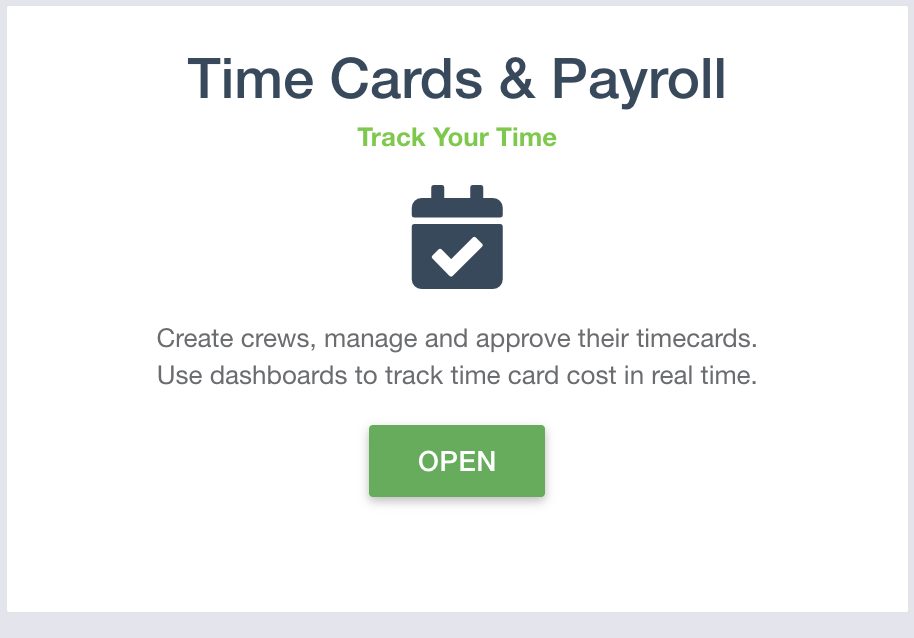
Access time cards by clicking “Open” under the time card module.
-
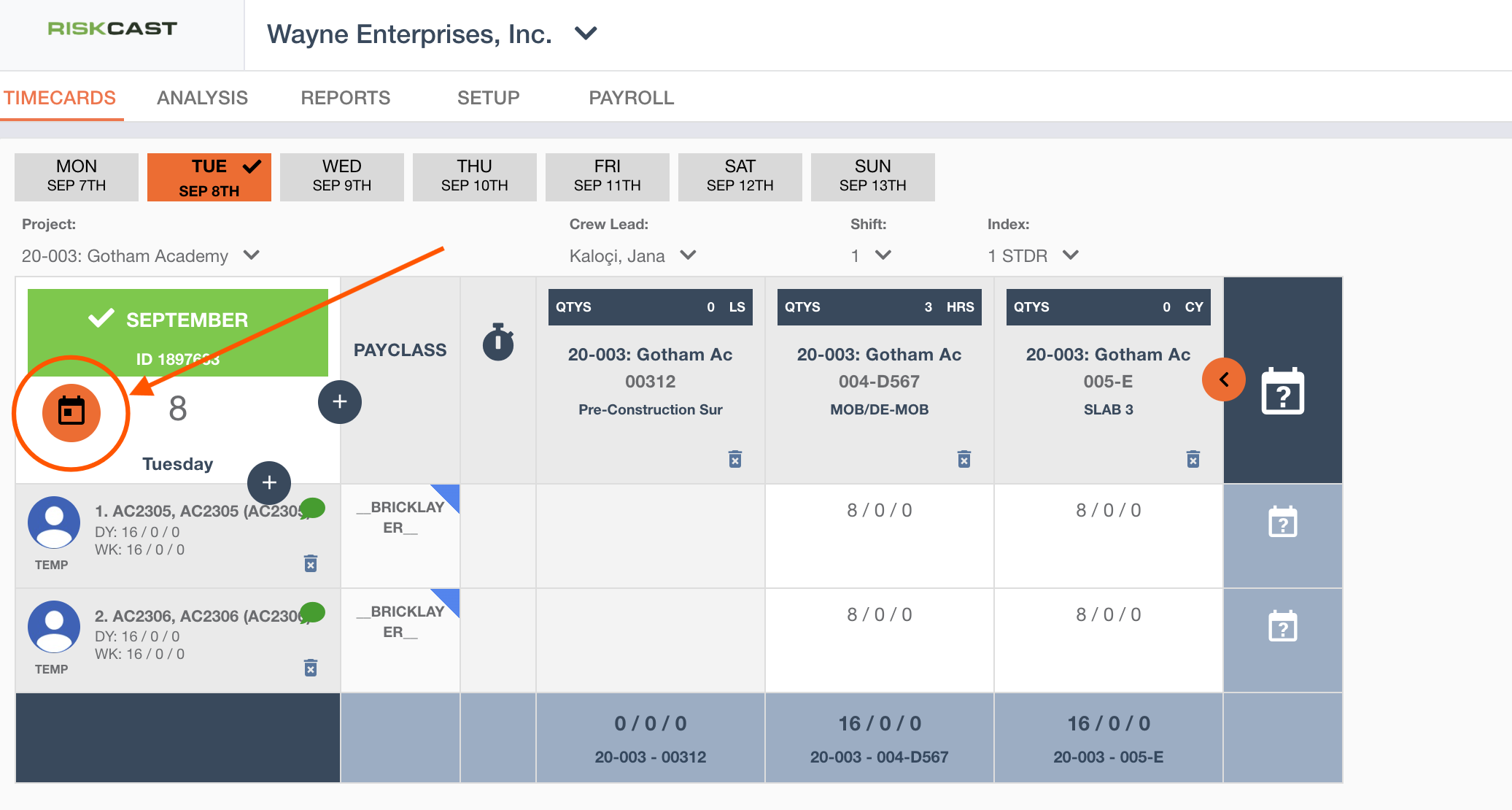
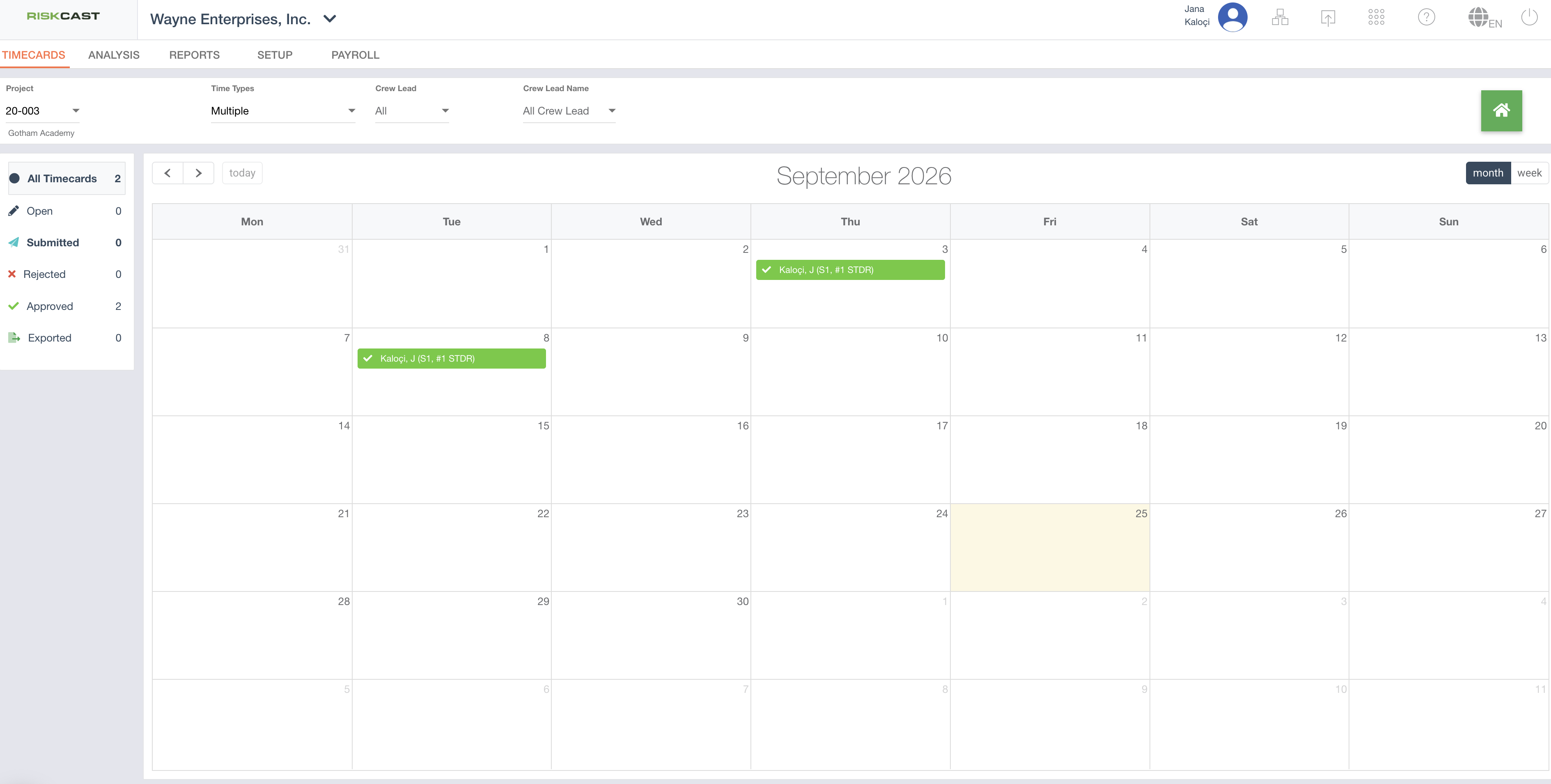
It will open to the current day's timecard and you can quickly select a different timecard by clicking on the calendar icon to navigate to the calendar view.
-
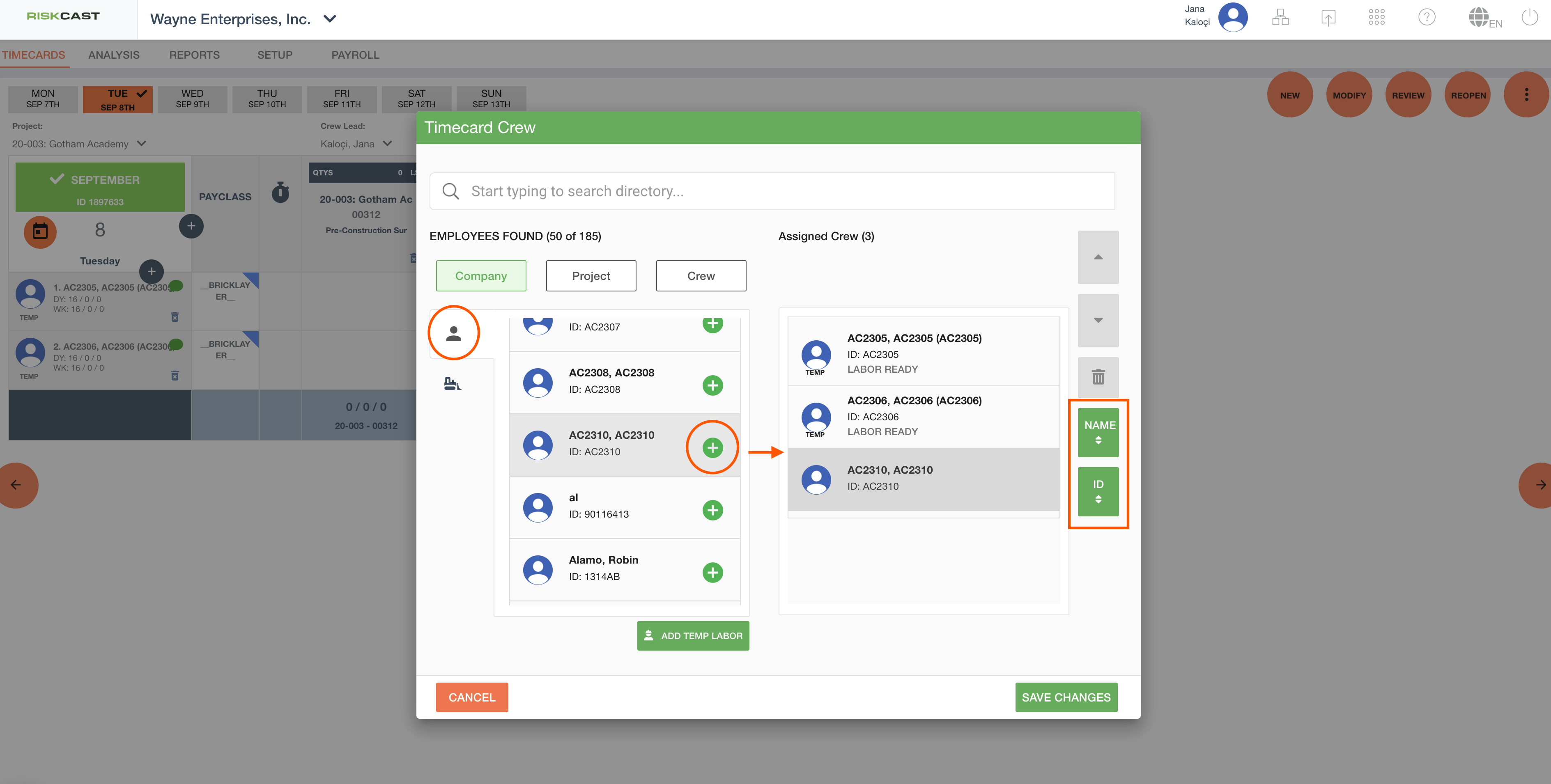
Add crew and equipment.
-
Clicking the
 (Click To Add Crew) opens a pop-up window to select employees and equipment.
 -
Equipment is listed under machine icon and the employees are listed under the person icon.
-
Add the the employee and/or equipment to the Assigned Crew list by clicking the
 next to their name.
 -
You can also reorder the Assigned Crew list with the alphabetical and arrow buttons
-
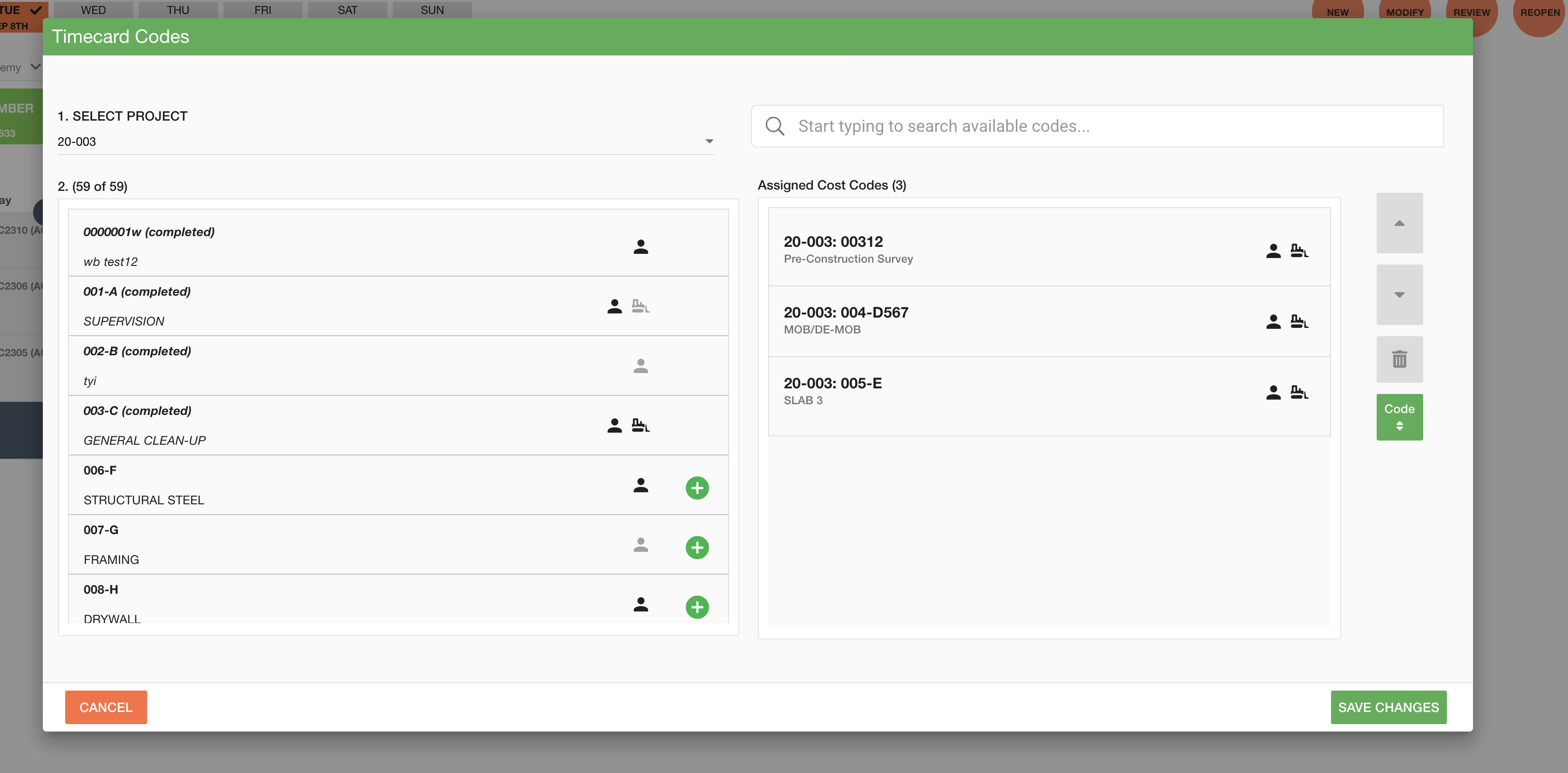
4. Press “Next” to add cost codes. Select the desired project and location. Click “save changes” when done.