Adding Crew Notes without Quantities
Last updated: Sep 08, 2025
183
views

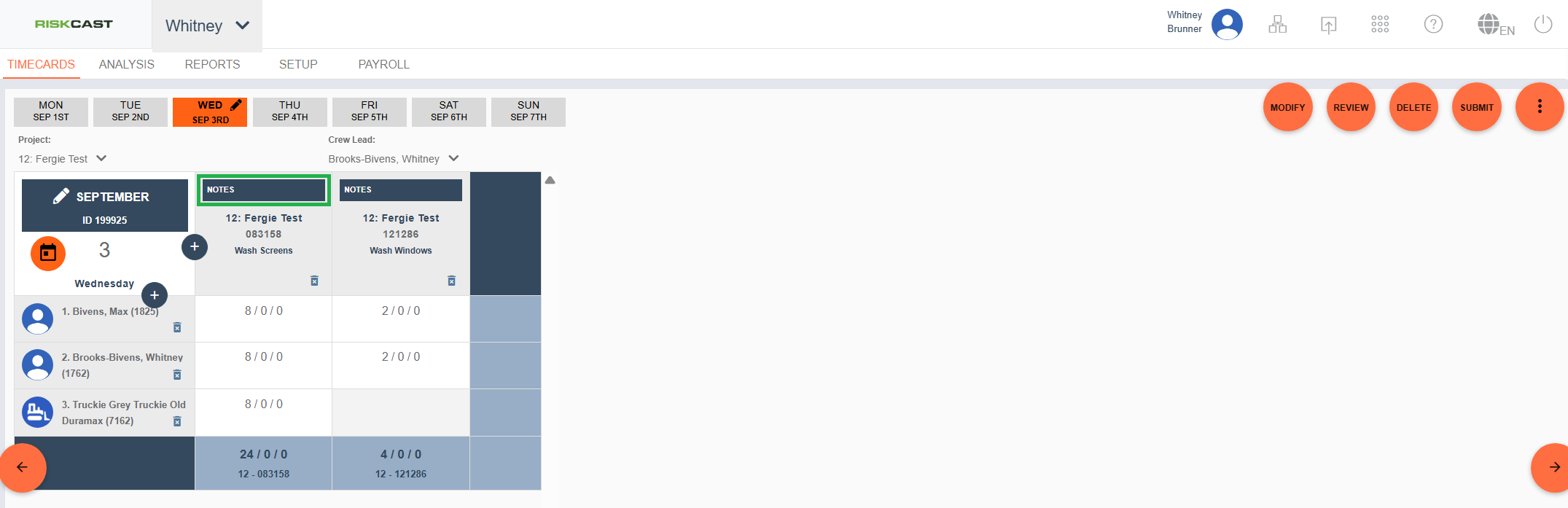
For projects who do not need to track quantities but still want to track crew notes, an indicator is now available within the timecard to visually describe when a note is tied to the cost code. The screenshot below shows a cost code with no note.
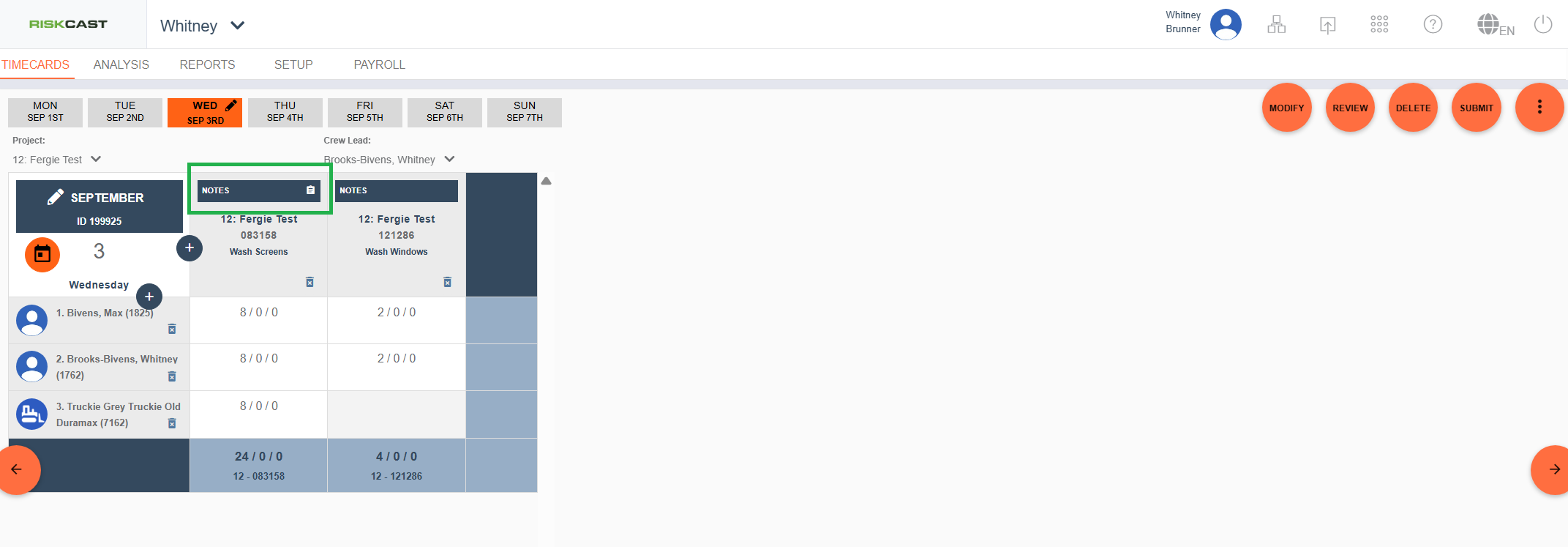
A cost code with notes will appear as such:
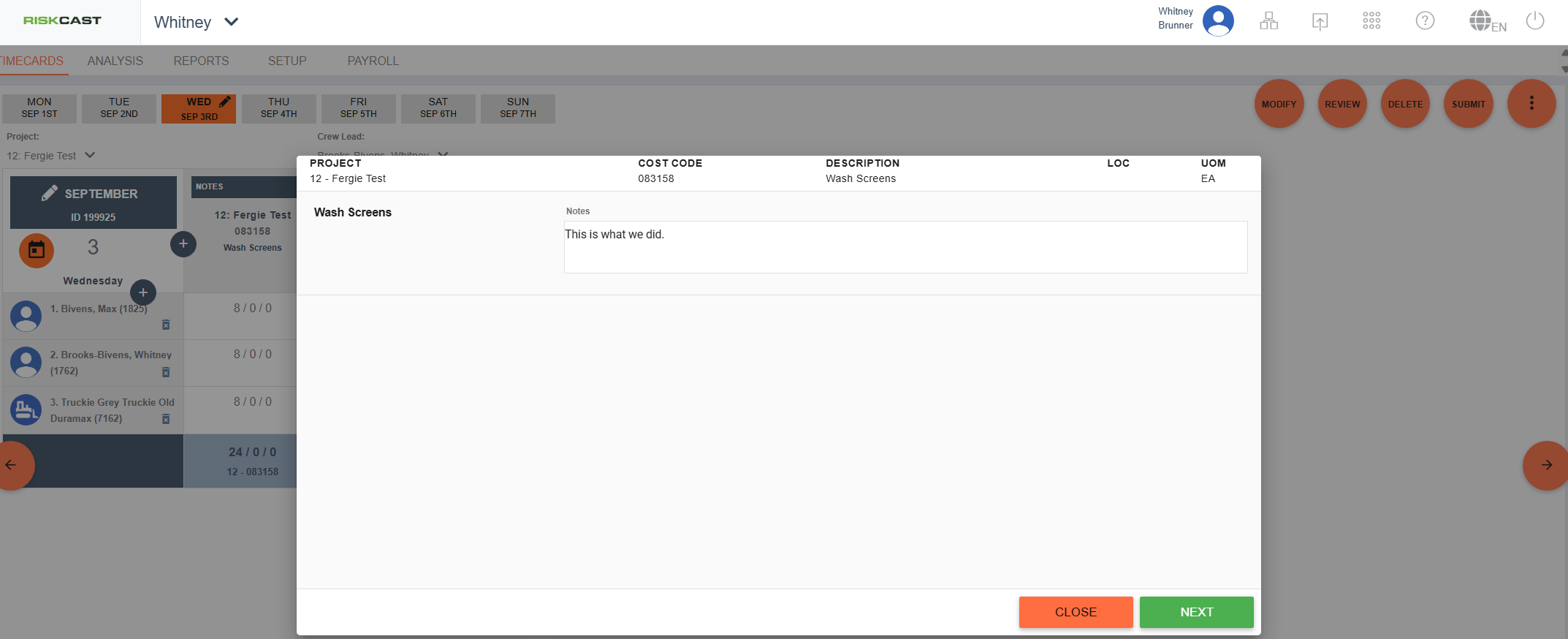
To review the note, simply click on that section of the cost code cell. A pop up will appear showing the cost code level note.