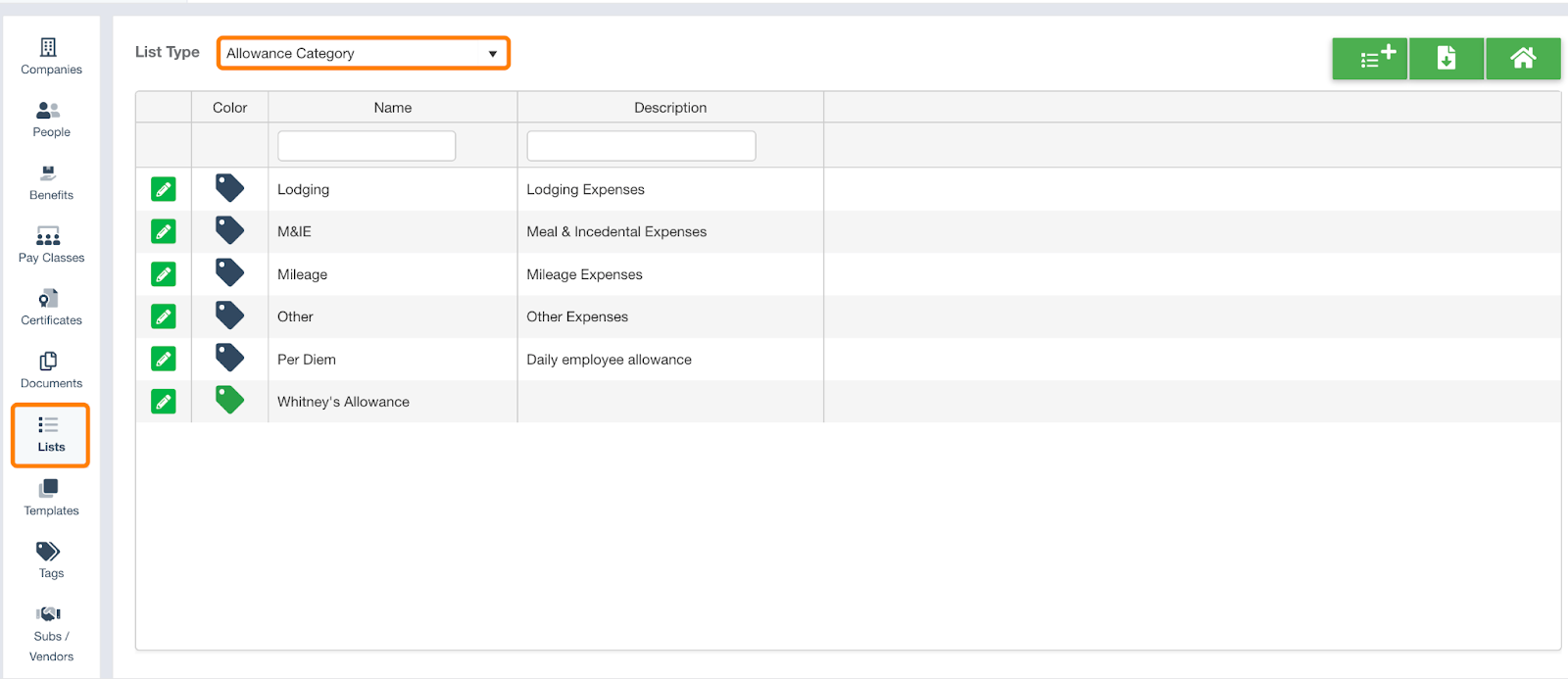
Within Riskcast, you have the ability to edit various list that inform the categories or other designations for items such as allowance types, change order status, and cost event categories, among many other items. By default, the allownace category list includes : Lodging, M&IE, Mileage, Other, and Per Diem. You can always add new categories, or edit existing items. For existing items, you will be able to change the name, but not the category code.
To add a new allowance category:
-
From your organization>lists, select allowance category from the dropdown menu. Here you are able to view, add or edit the categories for each allowance type.
-
To create a new items, select the + button.

-
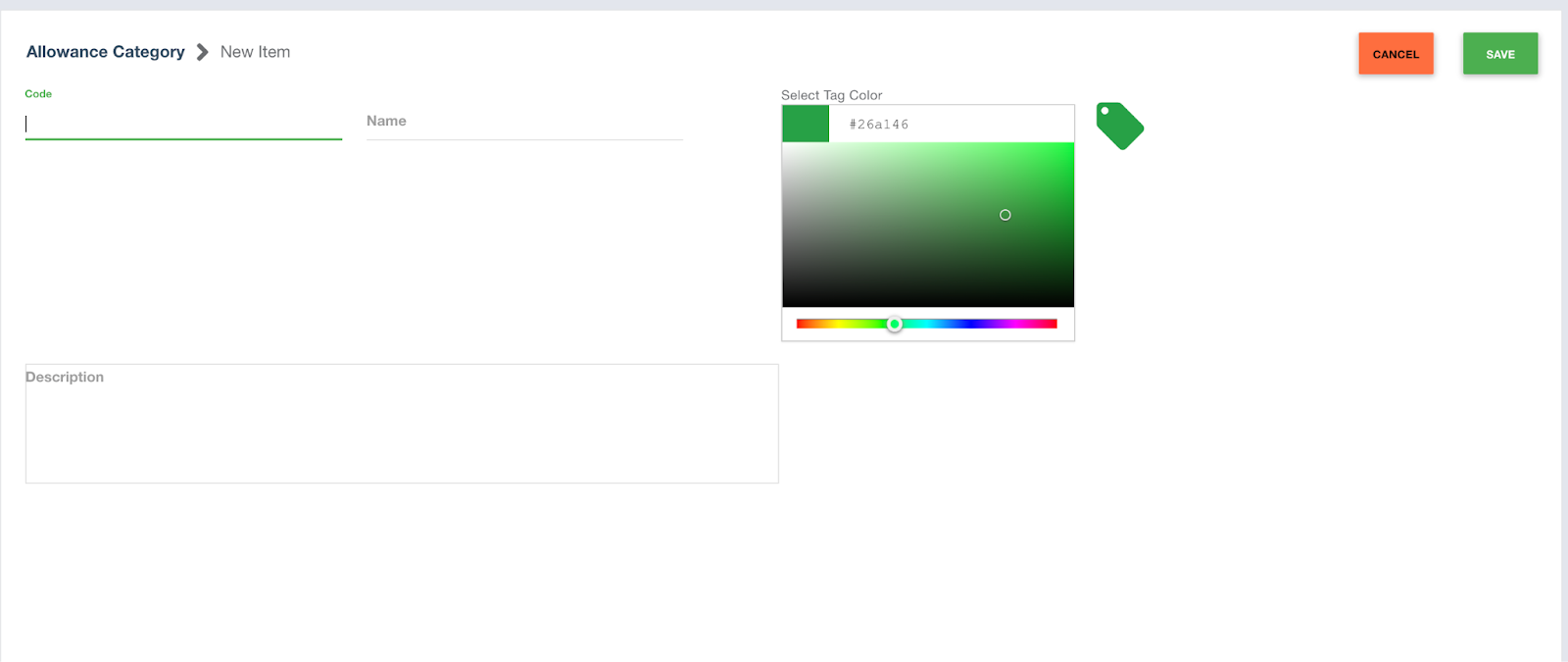
Enter a code, name and description, and select tag color. Only Code and Name are required for any new categories. Click save when complete.