

Signing up for Notifications
Last updated: Jan 04, 2024
258
views

1. Click on the user icon for your profile located at the top right of the screen.

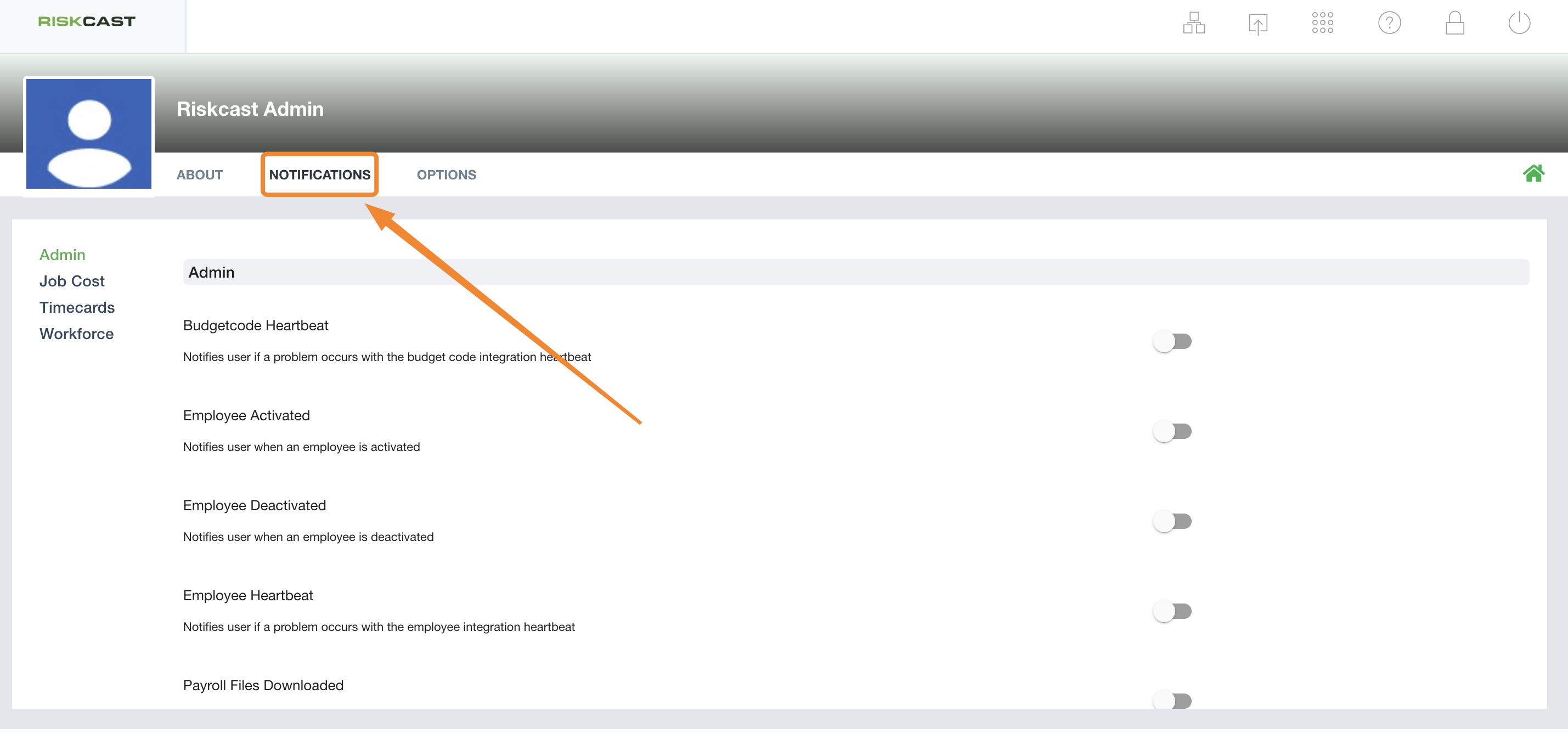
2. Select the notifications tab.
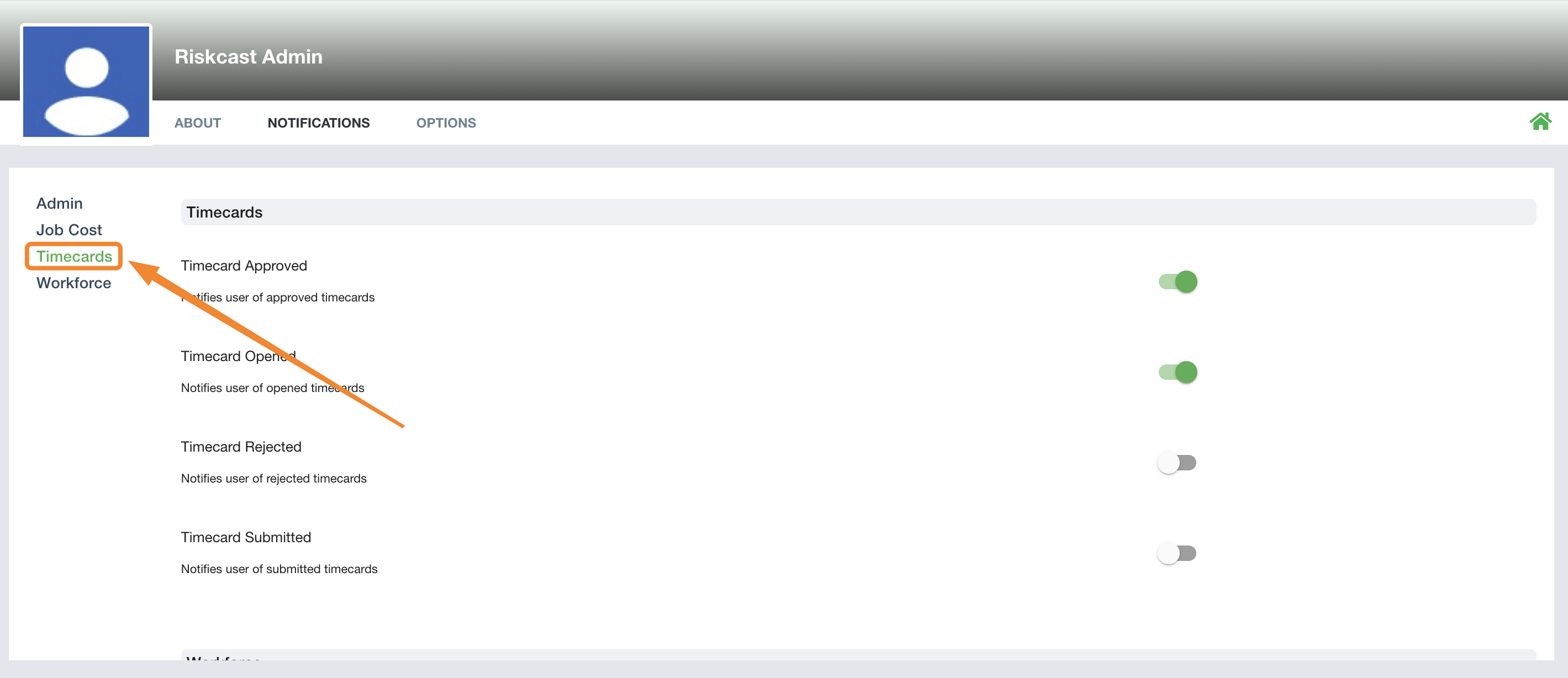
3. Select the appropiate section for notifications, located at the far left of the screen, in this scenario we're looking at Timecards notifications. From here, turn on the notifications you'd like to sign up for, by turning on the toggles on the right hand side.
4. To return to your homescreen, select the Home icon on the right hand side.

